

Wi-Fi vs Ethernet for Live TV Streaming in the UK: Stopping Buffering for Good
You press play on a Premier League derby. Two minutes in, the image pixelates. A spinning wheel appears right as a player charges into the penalty box.
That buffer wheel hurts. It happens far too often in UK living rooms. Most households rely on Wi-Fi for everything. Phones, laptops, tablets, and smart TVs all share the same wireless signal.
On-demand shows from Netflix or BBC iPlayer handle weak Wi-Fi well. They build up a buffer in advance. Live broadcasts cannot do that. The data streams in real time. If your network drops for a single second, your video stutters.
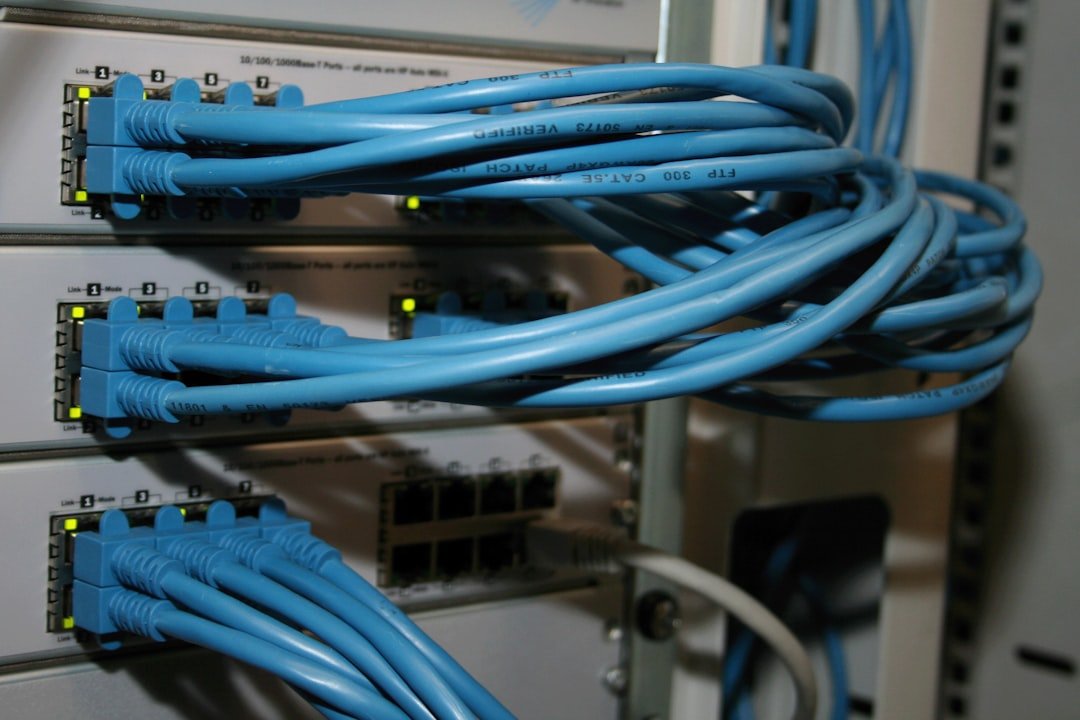
Choosing Ethernet for live TV streaming solves this issue. It removes wireless interference completely. Let’s look at why hardwired connections perform better and how you can set one up without trailing long cables across your hallway.
Why Live TV Demands More Than On-Demand Video
On-demand video sends data ahead of what you watch. Your app downloads five minutes of a drama while you watch the opening scene. If your Wi-Fi flickers, the app plays cached content. You notice nothing.
Live TV doesn’t work like that. Live streams push packets directly from the server to your screen as events happen. The stream maintains a thin safety buffer of just a few seconds.
High-definition live TV uses a steady bit rate. Ultra HD 4K live sports streams require 25 to 45 Megabits per second (Mbps). That speed must remain constant. Any drop in bandwidth causes immediate picture loss, dropping resolution, or total freezes.
Wi-Fi Interference in UK Homes
UK housing creates unique problems for Wi-Fi signals. Victorian terraces have thick brick walls. Modern builds use foil-backed insulation panels that bounce radio signals away. Both kill wireless performance.
Neighbouring networks add more friction. If you live in a flat or a terraced street, dozens of routers compete for the same frequencies. Dual-band routers split traffic between 2.4 GHz and 5 GHz bands. The 2.4 GHz band reaches far but runs slowly. The 5 GHz band runs fast but struggles to pass through solid walls.
Microwaves, cordless phones, and Bluetooth devices also use the 2.4 GHz frequency. Turn on a microwave in the kitchen, and your living room TV stream might crash.
Why Ethernet for Live TV Streaming Makes the Difference
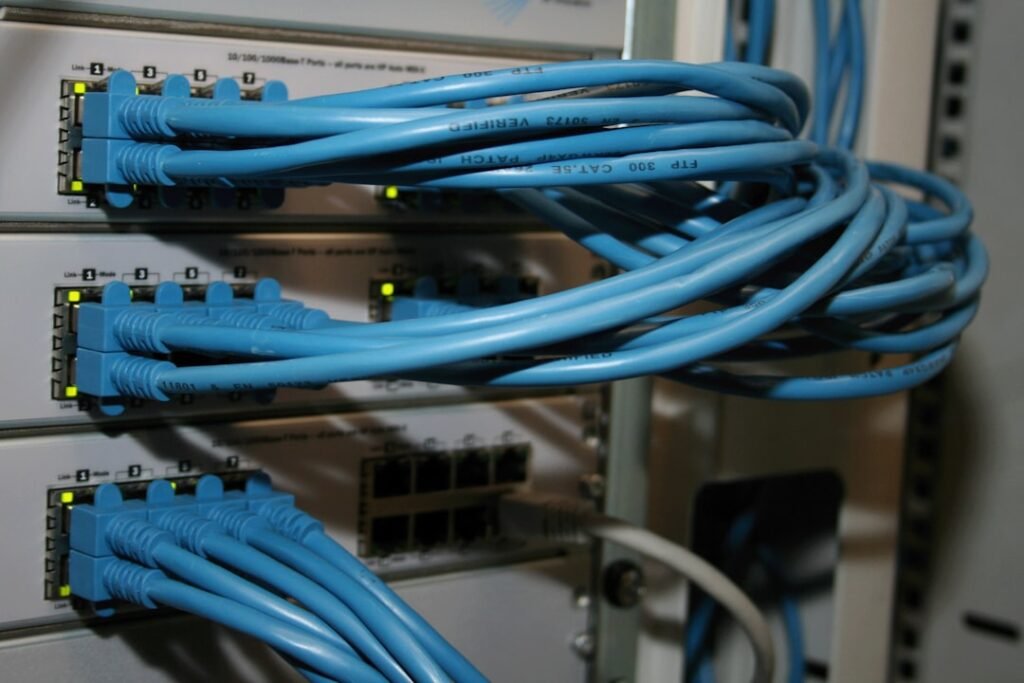
Plugging an Ethernet cable into your streaming device creates a dedicated highway. Data travels through copper wire without radio interference.
Latency drops dramatically on wired setups. Wi-Fi connections often fluctuate in response time. That variation causes jitter. High jitter starves your TV box of data, forcing it to drop frames. An Ethernet connection provides steady, low latency.
You also get full network throughput. A 100 Mbps Ethernet port delivers nearly 100 Mbps continuously. Wi-Fi connections rarely deliver their theoretical speeds. Distance and obstacles cut performance sharply.
Practical Cable Alternatives for UK Living Rooms
Not everyone wants a blue network cable running down their skirting boards. Drilling holes through living room walls isn’t ideal, especially for renters. Fortunately, you have solid alternatives.
Powerline Adapters
Powerline adapters send internet signals through your electrical wiring. You plug one adapter into a wall socket near your broadband router. You connect it to the router using a short Ethernet cable. You plug the second adapter near your smart TV and connect it to your streaming device.
Powerline units work remarkably well in modern UK electrical circuits. They deliver stable speeds that easily support 4K live streams.
Mesh Wi-Fi Networks with Ethernet Backhaul
If you cannot use Powerline adapters, mesh Wi-Fi offers another route. Systems place satellite units across your house. They create a unified network grid.
Many mesh satellite units feature physical Ethernet ports. You can place a satellite node next to your TV set. Plug your TV box directly into that node using a short cable. The node handles the wireless link back to your main router with higher power antenna arrays than your TV box contains.
Simple Settings to Fix Live TV Lag
Upgrading your physical connection is the biggest fix. A few quick software adjustments also help keep your live streams clear.
- Set a fixed video resolution: Turn off automatic quality settings in your streaming app if buffering persists. Forcing a fixed resolution like 1080p stops the app from constantly switching bitrates.
- Reboot your router monthly: UK Internet Service Providers like BT, Sky, Virgin Media, and TalkTalk frequently push background software updates. A simple reboot clears internal memory and resets channel assignments.
- Pause heavy background downloads: Disable automatic cloud backups or large console game updates while watching major live events.
Plugging in an Ethernet cable remains the single best upgrade for live TV. It gives you stable video, crisp 4K pictures, and peace of mind during vital match moments.
For more information, visit our website.
Related reading

admin
administratorLeave a reply here
Your email address will not be published. Required fields are marked *

One Reply to “Wi-Fi vs Ethernet for Live TV Streaming in the UK: Stopping Buffering for Good”
UFC Streaming UK: How to Watch Fights Live Legally