

IPTV UK Frequently Asked Questions
-
What is IPTV UK?
IPTV UK is a way of watching television through an internet connection rather than using satellite dishes or cable services. It allows users to enjoy live TV, movies, and TV shows on compatible devices.
-
How does IPTV streaming work?
IPTV uses your internet connection to deliver TV content directly to your device. After your subscription is activated, you simply add your login information to an IPTV player and start accessing live channels, TV guides, and on-demand content.
-
Why is my IPTV buffering?
Buffering can happen because of slow internet, Wi-Fi interference, or limited device performance. Restarting your router, using a wired connection, clearing the app cache, or switching to another IPTV player often improves streaming.
-
What internet speed is recommended for IPTV?
For smooth HD streaming, an internet speed of around 10–20 Mbps is generally enough. If you plan to watch 4K content, 25 Mbps or higher is recommended. A reliable and stable connection will provide the best experience.
-
Which devices can I use with IPTV?
IPTV is compatible with many popular devices, including Smart TVs, Firestick, Android TV, Android boxes, iPhones, iPads, Windows PCs, Macs, and tablets. Most modern streaming devices support IPTV apps.
-
What does EPG mean in IPTV?
EPG stands for Electronic Program Guide. It displays the TV schedule inside your IPTV app, allowing you to see current programmes, upcoming shows, and browse channels more easily.
-
Does IPTV include UK sports channels?
Many IPTV subscriptions offer access to popular UK sports channels covering football, cricket, rugby, boxing, Formula 1, tennis, and other live events. The available channels depend on the provider and the chosen subscription plan.
-
What is the difference between Live TV and Video on Demand?
Live TV lets you watch programmes as they are being broadcast, while Video on Demand (VOD) gives you the freedom to watch movies and TV series whenever it suits you.
-
How can I install IPTV quickly?
Setting up IPTV is usually straightforward. Install an IPTV player, enter the login details supplied by your provider, load the channels, and you're ready to start watching within a few minutes.
-
Which IPTV player is best?
The ideal IPTV player depends on the device you use. Many trusted IPTV apps support login credentials, playlists, EPG, favourites, catch-up features, and Video on Demand for a better viewing experience.
-
Can one IPTV subscription be used on multiple devices?
This depends on the package you choose. Some subscriptions allow only one active stream, while others include multiple connections so different devices can be used at the same time.
-
Should I use a VPN with IPTV?
While a VPN is not essential, many users prefer using one to improve online privacy and avoid internet provider restrictions. It may also help create a more stable streaming experience in some situations.
High-Speed IPTV Servers
+44 7453 598 130

Watch live sports, movies, TV series, and entertainment channels in HD and 4K every day with our fast and stable IPTV service

Per Month
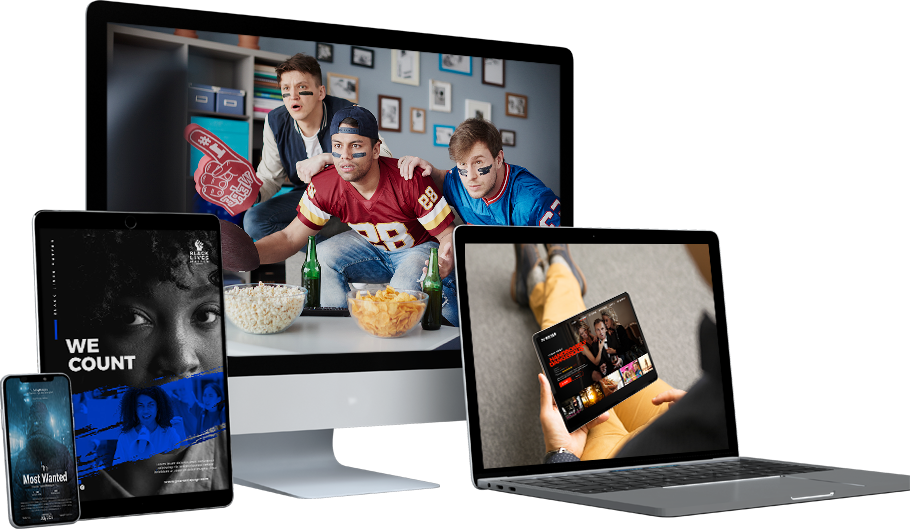
Stream IPTV on Any Device Without Buffering
Enjoy smooth HD and 4K streaming on Smart TVs, Firestick, Android, iPhone, Windows, Mac, and more with a stable, high-speed internet connection.
